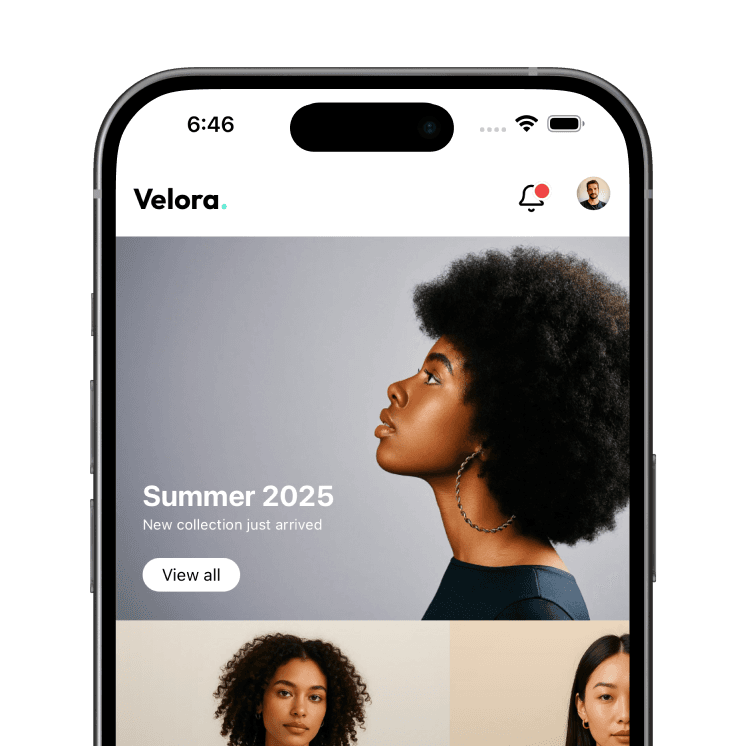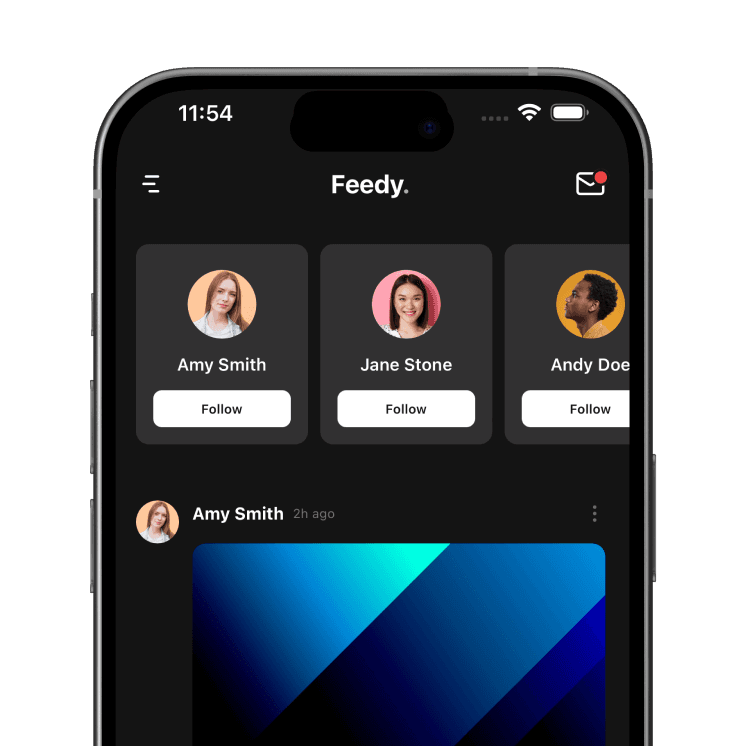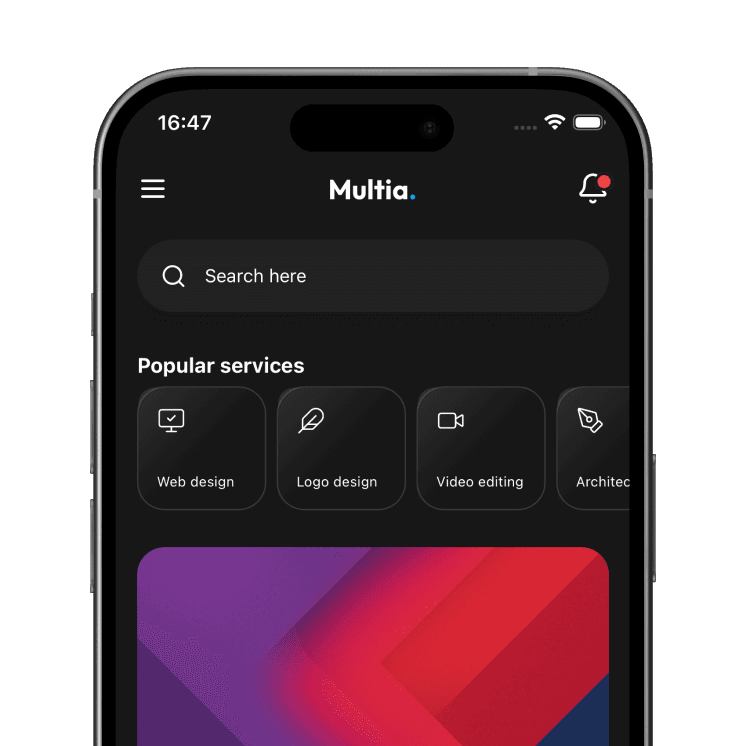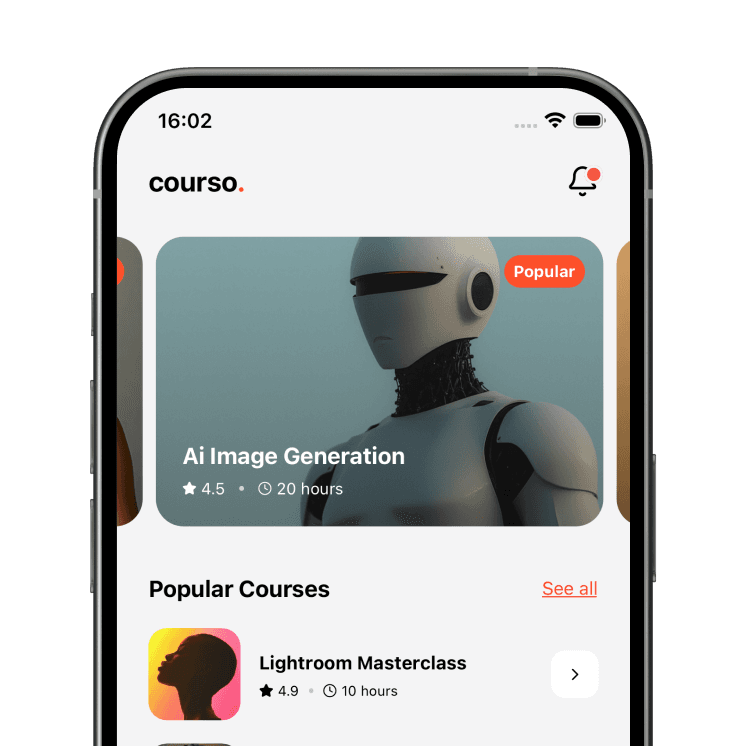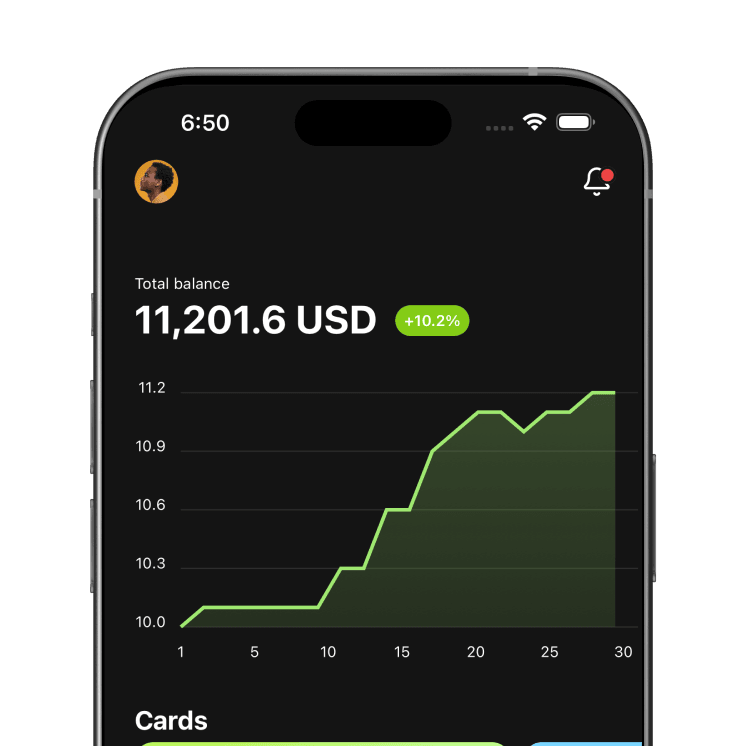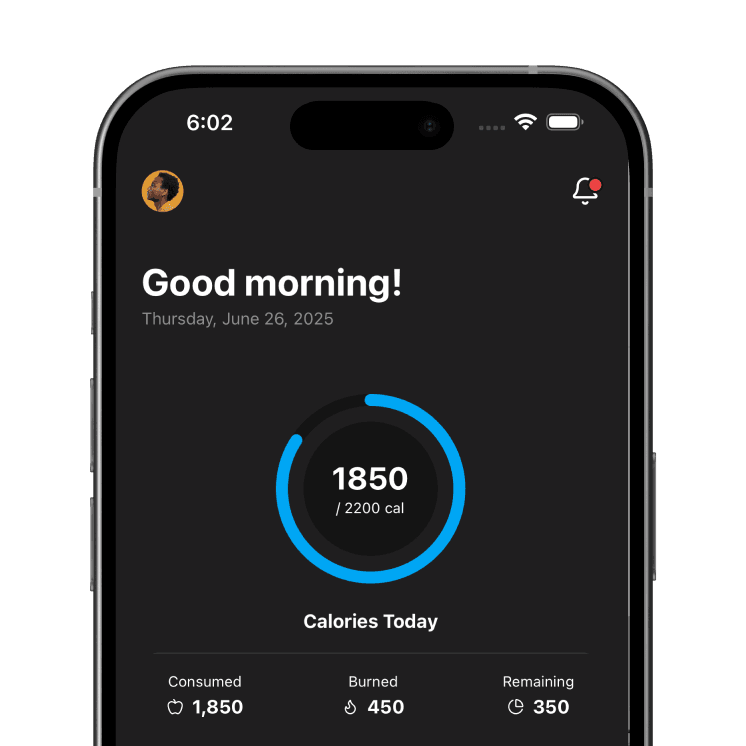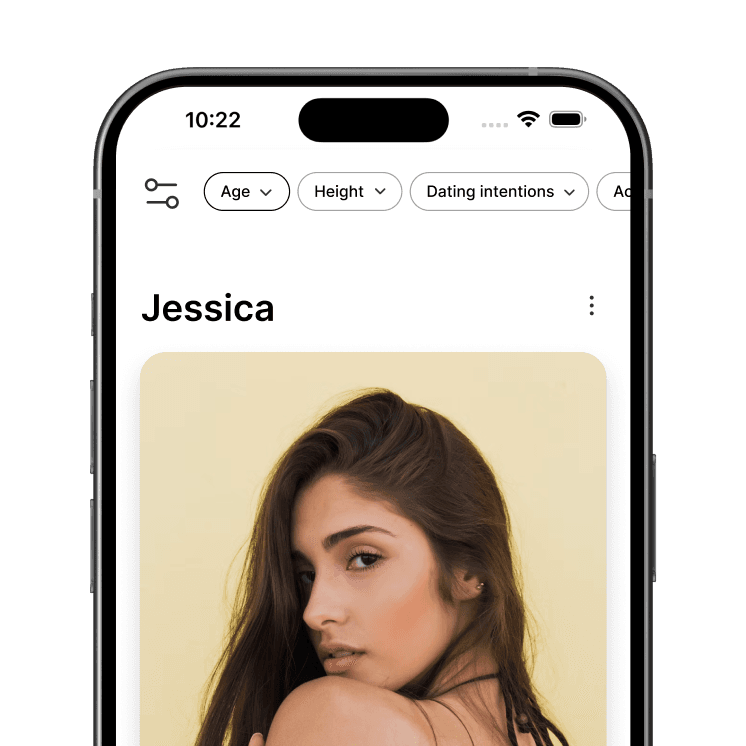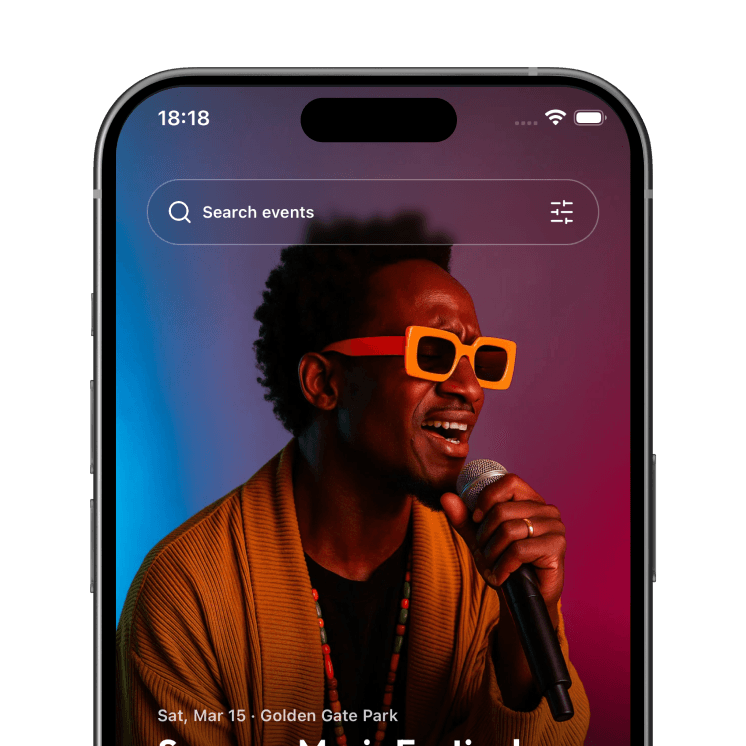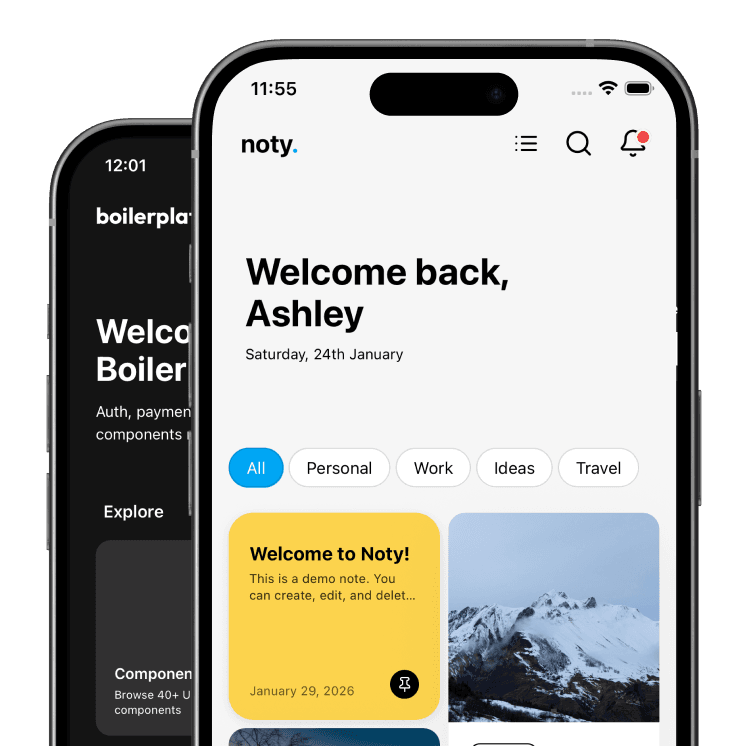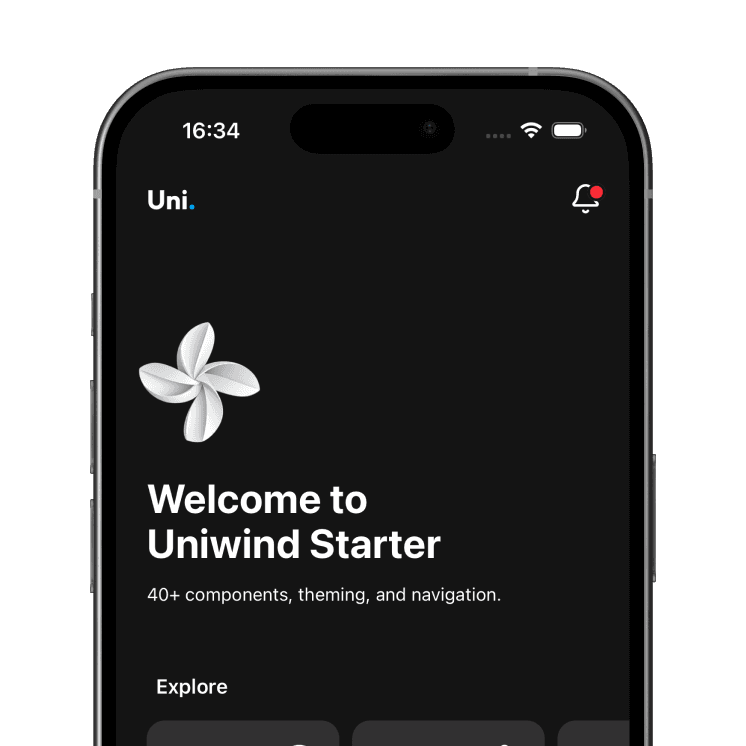


Stop prompting Claude Code or Cursor to build a mobile app from scratch. Every Expo template ships with CLAUDE.md and Cursor rules, so your AI assistant knows the components, theme and navigation before your first prompt.


Blank front-end starter to a flight booking app in under 5 minutes with Claude Code.
Works with


Claude Code and Cursor read the rules automatically. GitHub Copilot, Codex, Gemini CLI, Windsurf or any agent that can read files can be pointed at CLAUDE.md.
Ask Claude or Cursor to build a React Native app from an empty project and it has to make hundreds of small decisions: styling approach, component structure, theming, file layout. It makes them differently on every prompt. The code works, then turns into a mess on the second feature.
Before an agent gets to your idea it has to build the base: navigation, theme, components and the screens every app needs. That costs tokens to generate and your time to review. A template is that base, finished. This is what a typical one contains.
Measured across the 18 React Native templates in the bundle, TypeScript source only, at roughly 4 characters per token. The token figure is a floor: an agent starting from an empty project also spends tokens re-reading its own code and fixing what it got wrong. Hours are an estimate for building the same screens by hand.
Every template has a CLAUDE.md at the project root and the same rules for Cursor. Claude Code reads it at the start of every session. It is about 300 lines and it is the reason the tenth screen looks like the first.
# CLAUDE.md (excerpt)

## Stack
Expo SDK 58 · React Native · Expo Router (drawer + tabs)
NativeWind v4 · Lucide icons · TypeScript
Not included: backend, auth provider, i18n.
Data is local mock content.

## Critical rules
1. Always use ThemedText for text.
2. Never hardcode colors. Use theme classes (bg-background,
   text-subtext, bg-highlight) or useThemeColors() for JS.
3. Check /components before creating a new one.
   Table: "UI need -> component to use".
4. Always use CardScroller for horizontal scrolling.
5. Every screen gets a Header. Nested screens get showBackButton.
6. Use the shadow utility, not inline shadow styles.

## Before you finish
- npx tsc --noEmit passes
- npm run lint passes
- Works in light and dark mode
- No hardcoded colors, no duplicate components
This is how a real session goes with Claude Code. Cursor is the same idea in a different window.
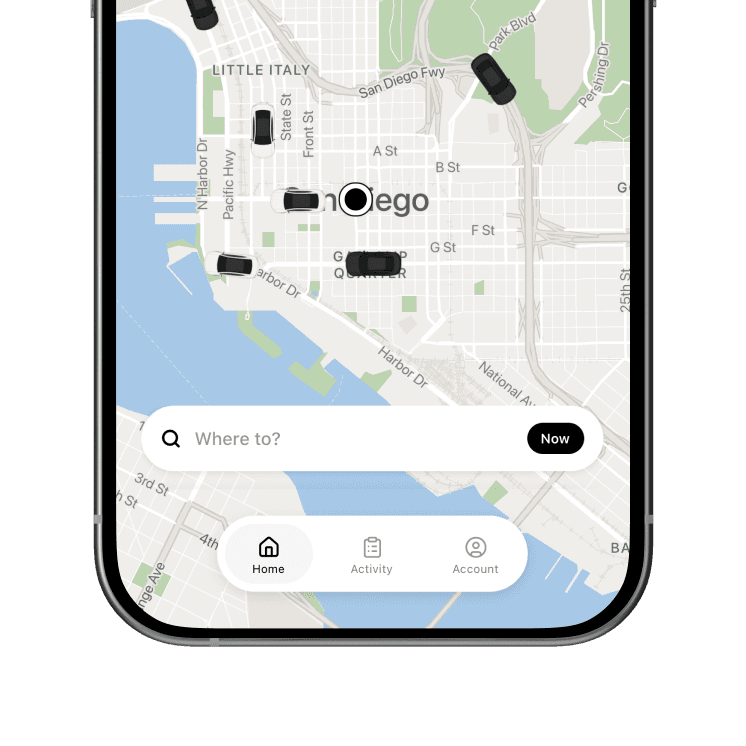
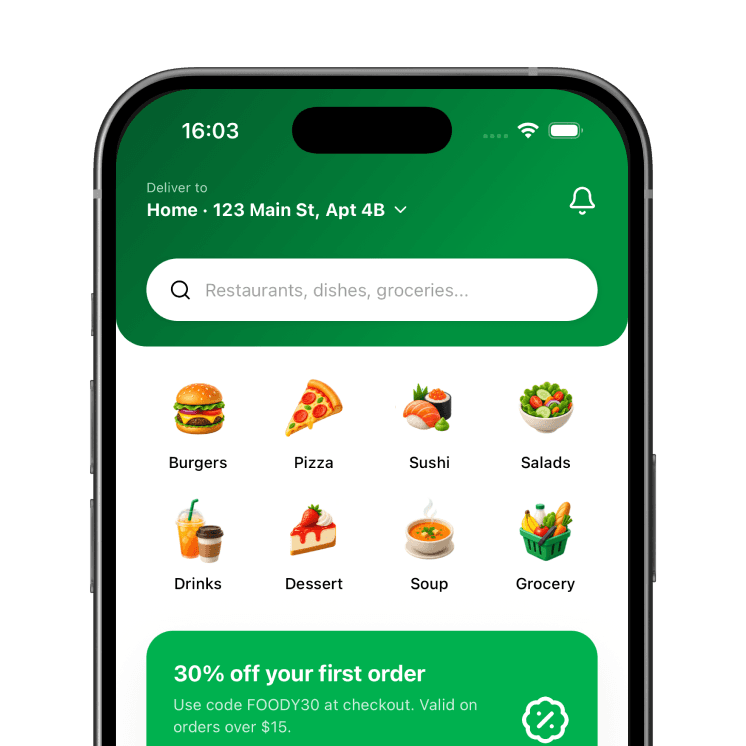
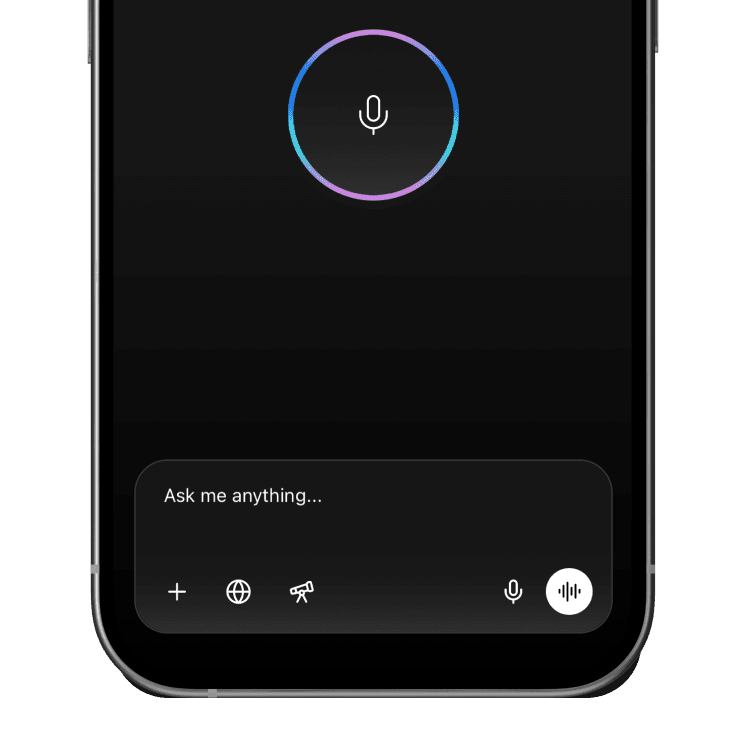
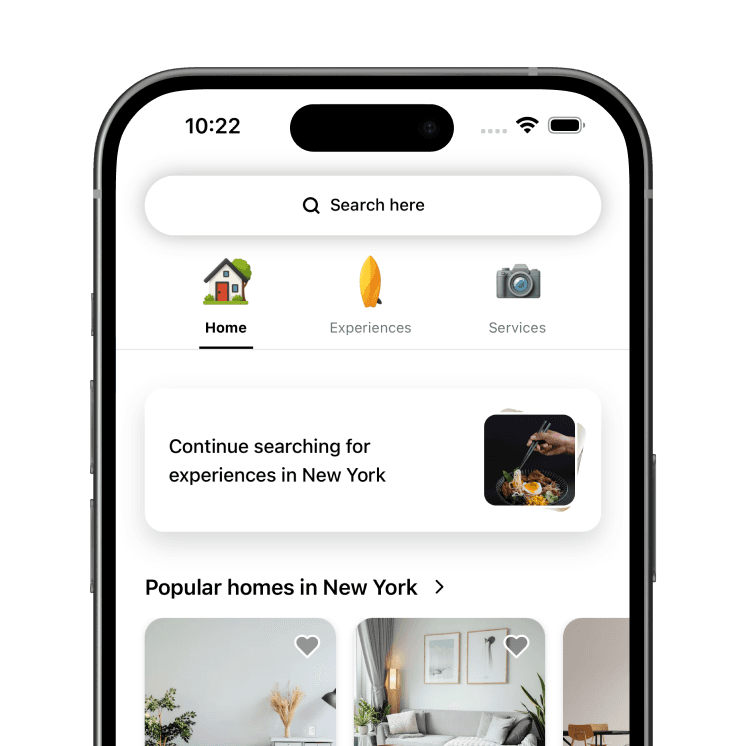
Ride sharing, food delivery, ecommerce, booking, social feed, AI chat and more. Building something new? Start from the Front-End Starter: the component library and navigation shell without a specific app on top.
Tap through the app once so you know what is there. Then start Claude Code in the project root. It reads CLAUDE.md before you type anything.
git clone <your-template-repo> my-app
cd my-app && npm install
npx expo start
claude
Name the file location, the components to reuse, the data source and the entry point. The agent has nothing to guess.
Add a "Favorites" screen under app/screens that lists
the user's saved products. Reuse the Card component and
the existing mock products. Add a heart icon to the Header
on the product detail screen that navigates to it.
Follow the conventions in CLAUDE.md.
Run the checklist from CLAUDE.md, open light and dark mode, read the diff. Small commits per feature mean you can throw one away when the agent goes sideways.
npx tsc --noEmit
npm run lint
git commit -am "Add favorites screen"
Want the long version with the prompts that work and the ones that do not? Read the guide to starting a React Native app with Claude Code or Cursor.
Every template in the bundle includes the same foundation.
Complete flows with real interactions, not empty placeholders.
File-based navigation with drawer, tabs and nested stacks set up.
Theme classes and a colors hook. New screens inherit it.
Tailwind classes throughout. One styling system the AI can copy.
Typed props and data, so the checklist catches mistakes.
Codebase documentation written for agents, in every template.
Built and verified on the current Xcode. Compiles before your first prompt.
Claude Code, Cursor, Copilot, Codex, Gemini CLI, Windsurf.

Every template below ships with CLAUDE.md and Cursor rules. Buy one, or get them all in a bundle from $119.
Lifetime access, no subscription. Use the templates in as many apps as you want, and keep your tokens for the features that make each one yours.
All current and future NativeWind templates.
One-time payment · Lifetime access
Every NativeWind and Uniwind template, in one payment.
One-time payment · Lifetime access
All current and future Uniwind templates.
One-time payment · Lifetime access
Secure checkout via Polar
Got questions? Please contact me on Email
One payment. Every template, every future template, CLAUDE.md and Cursor rules in each one. No subscription.